Angular Signal Forms Config
Learn how to configure Angular Signal Forms to bring back the classic CSS state classes (like ng-valid, ng-invalid, and ng-touched)—either for backward compatibility with existing styles or to unlock new customization, like emitting your own tailored state classes for advanced styling.

Kevin Kreuzer
@nivekcode
Jan 24, 2026
4 min read
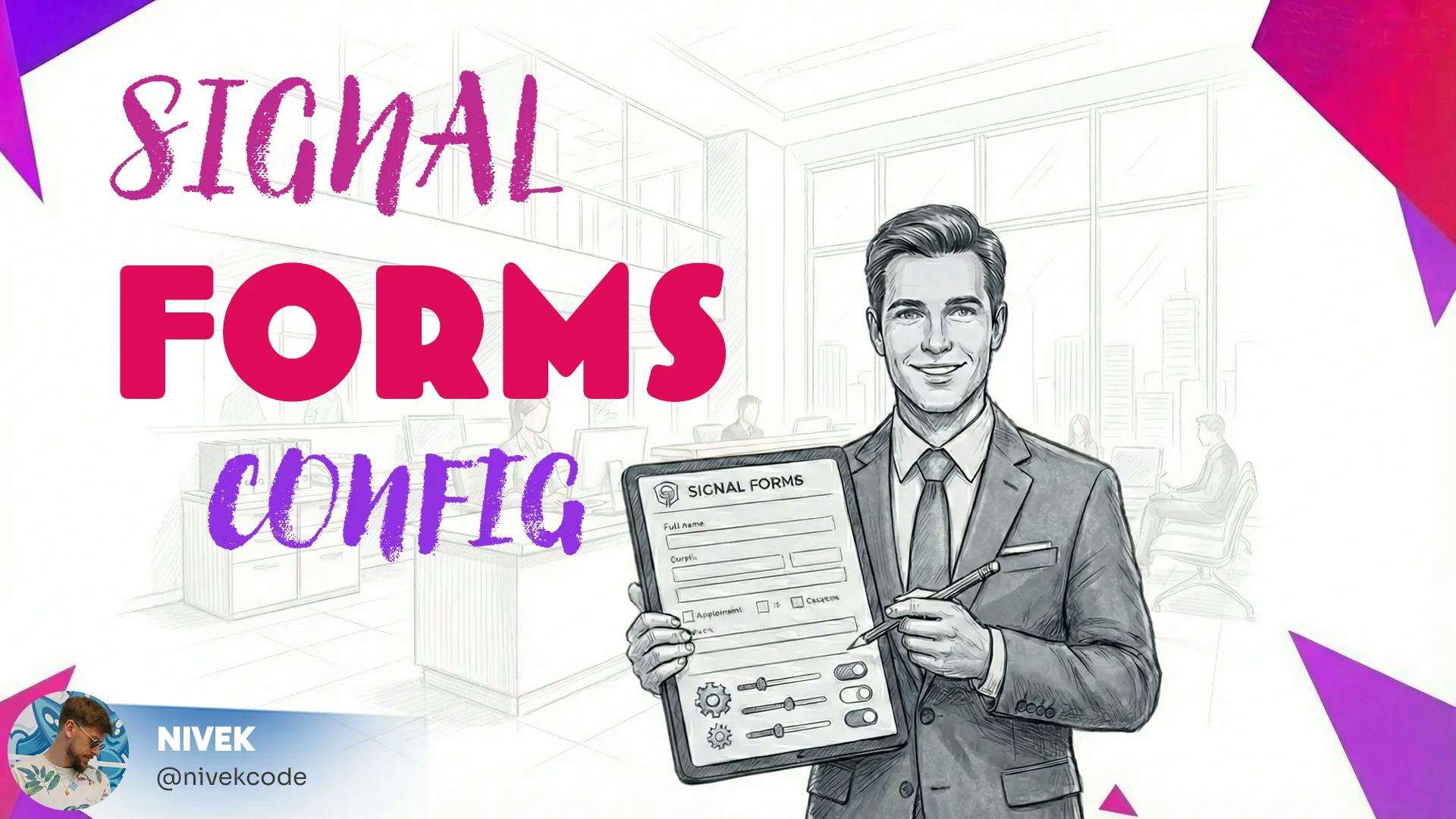
After much anticipation, Angular 21 introduces Signal Forms — one of the community's most requested features — as an experimental API.
By now, it's clear that Signals are the cornerstone of modern Angular. We've already adopted Signal Inputs, Queries (viewChild, viewChildren, contentChild & contentChildren), inputs etc... and also many third-party libraries like NgRx for example are fully on board. Naturally, we are excited to finally apply this reactive model to forms.
In this post, however, we won't focus on how to create Signal Forms. Instead, we'll dive into how to configure them and look at a specific behavior change regarding state classes that you need to be aware of.
Don't feel like reading? Watch us walk through the concepts covered in this post in the recording from our brand new Angular Signal Forms Workshop.
The "Missing" CSS Classes
In standard Reactive Forms, Angular automatically appends state classes to your form controls.
State classes are CSS classes — like ng-valid, ng-invalid, and ng-touched — that dynamically reflect the current status of the input. They are incredibly useful because they allow us to style the UI based on user interaction without writing complex logic in the template. For example, we rely on them to automatically show a red border when an input is invalid or a green checkmark when it is complete.
Let's say we spin up a Signal Form and inspect the HTML. We will see that the state classes are missing — there are no ng-valid or ng-dirty attributes to be found.

By default, Signal Forms do not automatically attach these classes. This is especially problematic if you have a legacy app. If you have global styles attached to .ng-invalid, your UI is going to break.
This is where the Signal Forms Config comes in.
Backward Compatibility with SignalFormsConfig
Angular provides a new function, provideSignalFormsConfig, to handle this. If you want the classic behavior back to support your existing CSS, you don't have to manually bind classes in your template.
You can configure the global provider to use NG_STATUS_CLASSES:
import { provideSignalFormsConfig, NG_STATUS_CLASSES } from '@angular/forms';

export const appConfig: ApplicationConfig = {
  providers: [
    provideSignalFormsConfig({
      classes: NG_STATUS_CLASSES
    })
  ]
};
Just like that, your Signal Forms will automatically render the standard Angular state classes, making migration significantly smoother.

Configuring Dynamic Classes
The configuration object isn't limited to the default constants. It allows for dynamic definitions. This offers flexibility whenever you need to apply custom CSS classes.
You can map specific class names to the signal state directly in the config:
provideSignalFormsConfig({
  classes: {
    'my-company-input-error': ({state}) => state().invalid(),
    'my-company-input-touched': ({state}) => state().touched(),
    'my-company-input-dirty': ({state}) => state().dirty(),
  }
}),
Once applied, the form controls will reactively update with your custom classes:

A Note on API Design
You'll notice that provideSignalFormsConfig accepts a configuration object rather than a list of function parameters.
This is a deliberate choice for extensibility. While we are currently focusing on CSS classes, passing a configuration object allows the Angular team to add new settings in future releases without introducing breaking changes to the signature.
Signal Forms are still experimental, but features like this show that the team is prioritizing both modern DX (clean DOMs) and practical migration paths.
TL;DR
- Signal Forms in Angular 21 do not attach CSS state classes by default — no
ng-valid,ng-invalid,ng-touched, etc. - Use
provideSignalFormsConfigwithNG_STATUS_CLASSESfor backward compatibility with existing styles. - For custom class names, define dynamic mappings using signal state functions.
- The configuration object design ensures future extensibility without breaking changes.
Want to master Angular Signal Forms? Check out our comprehensive Angular Signal Forms Workshop with hands-on labs!
Do you enjoy the theme of the code preview? Explore our brand new theme plugin
Skol - the ultimate IDE theme

Northern lights feeling straight to your IDE. A simple but powerful dark theme that looks great and relaxes your eyes.
Build smarter UIs with Angular + AI
Angular + AI Video Course

A hands-on course showing how to integrate AI into Angular apps using Hash Brown to build intelligent, reactive UIs.
Learn streaming chat, tool calling, generative UI, structured outputs, and more — step by step.
Want a practical guide to Angular Signal Forms architecture, validation, and migration?
Angular Signal Forms eBook

Build typed, validated, production-ready Angular forms with signals using a model-first approach.
Learn schema-driven validation, form-state signals, custom controls, Reactive Forms migration, and clean API mapping patterns.
Do you enjoy the content and want to master Angular's brand new Signal Forms?
Angular Signal Forms: Hands-On Masterclass

Master Angular's brand new Signal-Forms through 12 progressive chapters with theory and hands-on labs.
Learn form basics, validators, custom controls, subforms, migration strategies, and more!

Get notified
about new blog posts
Sign up for Angular Experts Content Updates & News and you'll get notified whenever we release a new blog posts about Angular, Ngrx, RxJs or other interesting Frontend topics!
We will never share your email with anyone else and you can unsubscribe at any time!
Responses & comments
Do not hesitate to ask questions and share your own experience and perspective with the topic
You might also like
Check out following blog posts from Angular Experts to learn even more about related topics like Modern Angular !
Angular's Router Doesn't Have to Wait: Non-Blocking Route Resources
Learn how Angular 22.2 route resources can activate a route before secondary data arrives, with signal-based loading, error, cancellation, and reload states.
Kevin Kreuzer
@nivekcode
Oct 9, 2026
8 min read
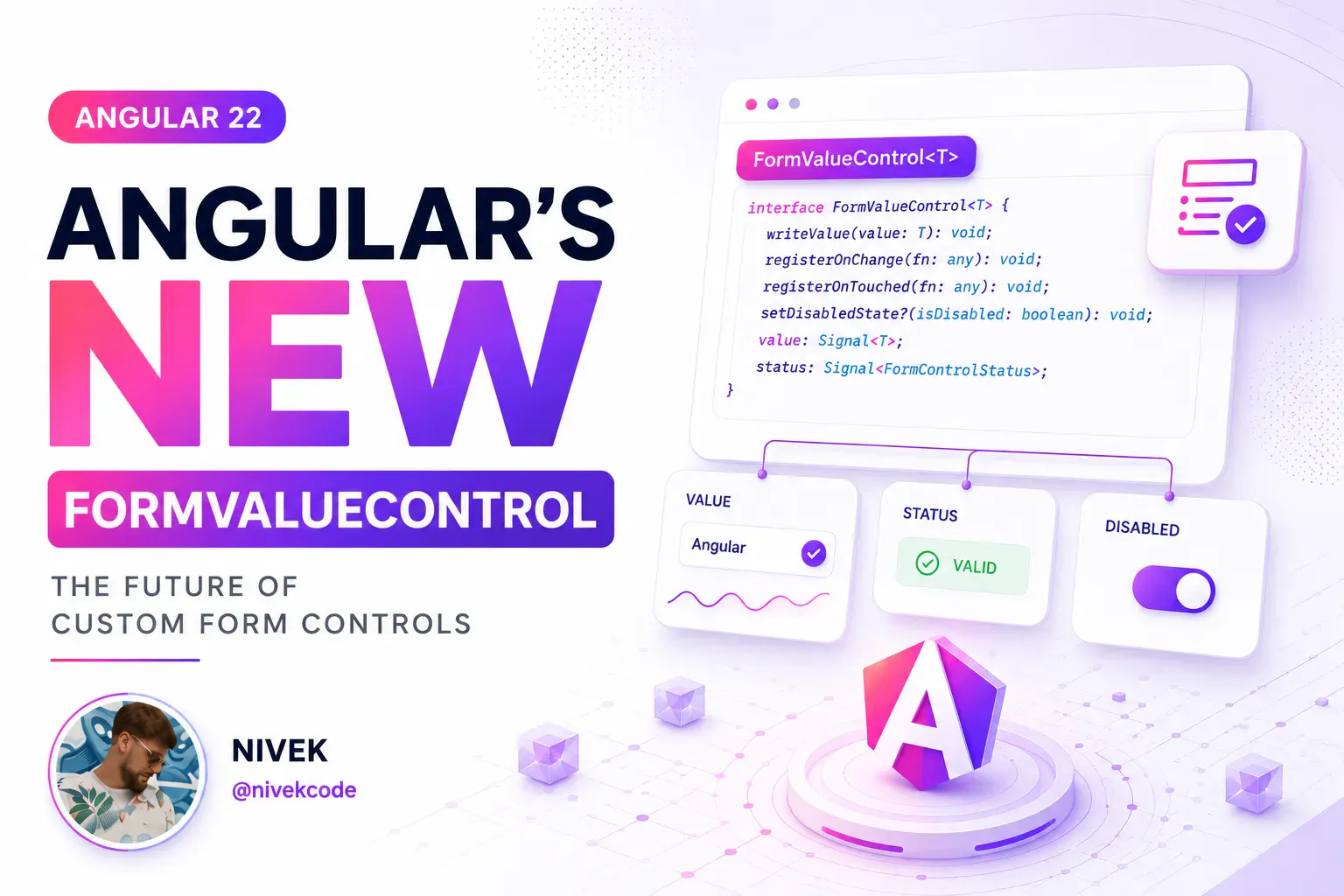
Angular Signal Forms: Custom Controls Without ControlValueAccessor
Build reusable Angular custom controls with FormValueControl, model(), touch events, and schema-driven validation—without writing a ControlValueAccessor.
Kevin Kreuzer
@nivekcode
Aug 12, 2026
7 min read
Angular Signal Forms: The Missing Create/Edit Pattern
Learn a practical Angular Signal Forms pattern for create and edit flows, with route-based mode, edit data loading, linkedSignal prefilling, submit branching, and validation context.
Kevin Kreuzer
@nivekcode
Aug 1, 2026
6 min read
Empower your team with our extensive experience
Angular Experts have spent many years consulting with enterprises and startups alike, leading workshops and tutorials, and maintaining rich open source resources. We take great pride in our experience in modern front-end and would be thrilled to help your business boom
